Calibrating GPU Load Indicators Within OBS To Trigger Automatic Quality Adjustments In Real-Time Strategy Broadcasts
Alex Hayes · Jun 19, 2026
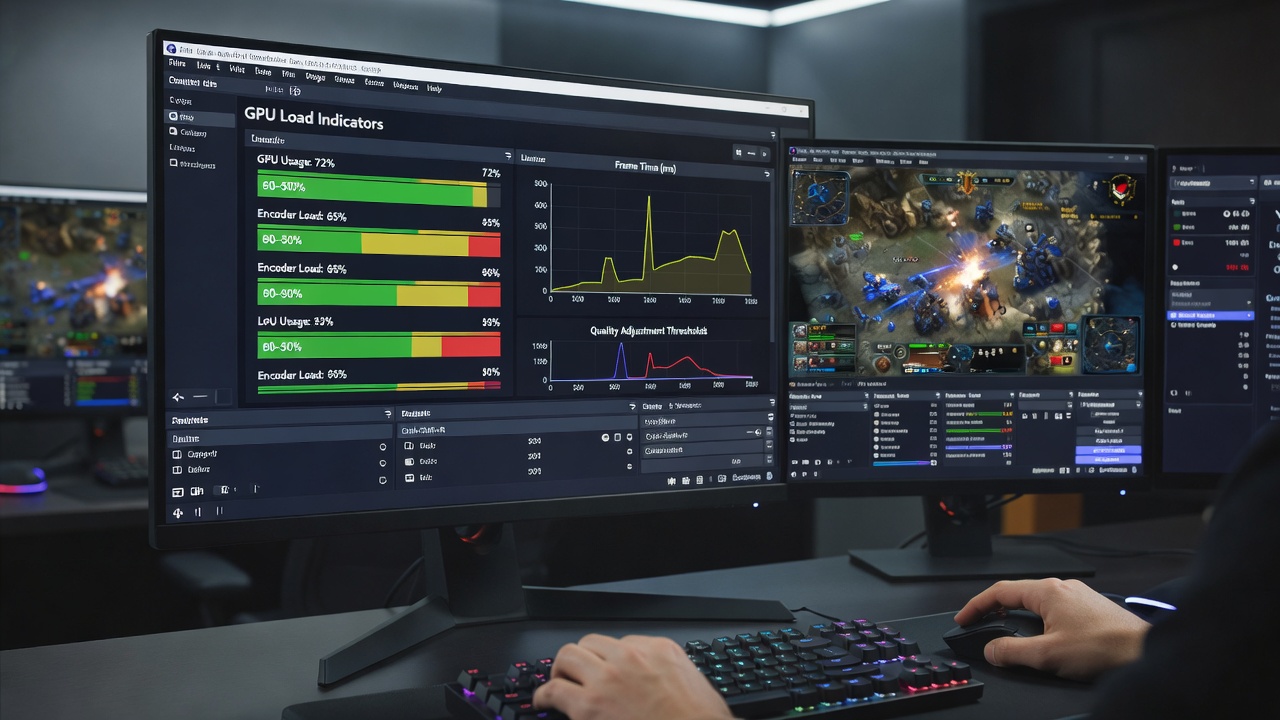
Calibrating GPU Load Indicators Within OBS To Trigger Automatic Quality Adjustments In Real-Time Strategy Broadcasts
Real-time strategy broadcasts place heavy demands on graphics hardware because these titles generate complex unit movements, particle effects, and large-scale map renders all at once, and observers note that GPU load can spike unpredictably during peak moments such as large-scale battles or simultaneous base expansions. Broadcasters who calibrate GPU load indicators inside OBS gain the ability to link those readings directly to encoder parameters, which in turn permits automatic quality shifts without manual intervention during live sessions.
Establishing Baseline GPU Metrics for RTS Titles
Calibration begins with the collection of stable reference data from representative gameplay segments, and researchers at institutions focused on interactive media have documented that RTS games often push GPU utilization between 65 and 95 percent depending on map size and player count. Technicians capture these values while running OBS alongside the game on the same system, recording both average and peak loads across multiple matches to build a profile that reflects actual broadcast conditions rather than synthetic benchmarks.
Once baseline figures exist, the next step involves mapping those percentages to OBS encoder settings through custom scripts or plugins that read GPU sensors via APIs such as NVML or ADL. Data indicates that a threshold set at 80 percent utilization frequently serves as the trigger point where bitrate or resolution reductions preserve stream stability, and this mapping process requires iterative testing because each graphics card model responds differently to the same load levels.
Integrating Sensor Data With OBS Automation Tools
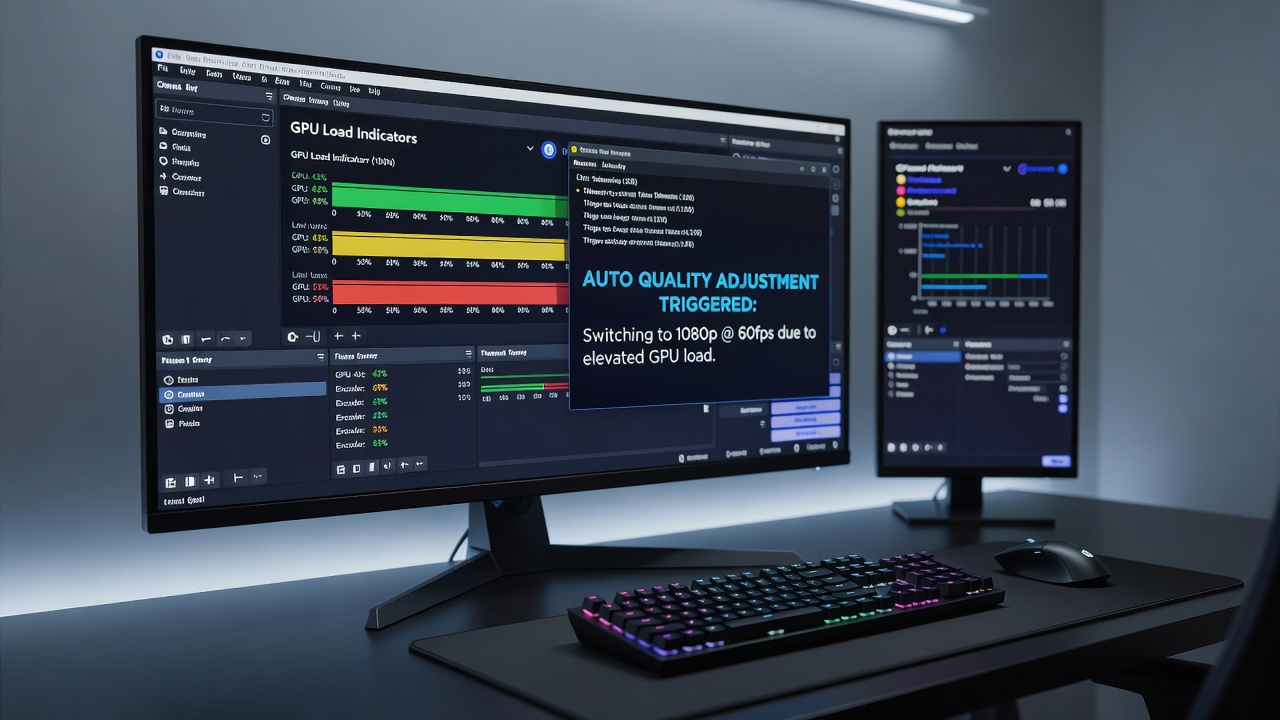
OBS supports several methods for importing external sensor data, including Lua scripts that poll GPU counters at regular intervals and feed the results into source filters or output modules. When the script detects sustained loads above the calibrated threshold, it can invoke commands that lower the x264 or NVENC preset, reduce output resolution from 1080p to 720p, or adjust keyframe intervals on the fly, and these changes occur within milliseconds so viewers experience minimal disruption.
Advanced users combine the built-in Advanced Scene Switcher plugin with GPU monitoring utilities, creating scene transitions that activate a secondary encoder profile whenever load crosses the preset mark, while a return to the primary profile happens automatically once utilization drops below a secondary recovery threshold, typically set 10 to 15 points lower to avoid rapid oscillation.
Applying Calibrated Profiles to Competitive RTS Events
June 2026 saw several major RTS tournaments adopt these calibrated systems, and figures from the Entertainment Software Association reveal that viewership for strategy titles increased 18 percent compared with the previous year partly because streams maintained consistent quality even during extended late-game scenarios. Production teams at these events configure separate load profiles for different stages of play, recognizing that early-game economy management rarely stresses the GPU as severely as end-game engagements involving hundreds of units.
One documented workflow uses a rolling average calculation over a five-second window to filter out brief spikes caused by loading screens or camera pans, and this smoothing prevents unnecessary quality drops while still catching genuine performance strain. The same approach allows broadcasters to maintain higher default bitrates during low-load periods, delivering sharper visuals to audiences when the game action remains contained.
Refining Thresholds Through Iterative Testing
Calibration rarely succeeds on the first attempt, and technicians therefore run repeated test streams that simulate tournament conditions, logging both GPU metrics and resulting stream statistics such as dropped frames or bitrate variance. Adjustments to the trigger values, recovery delays, and magnitude of each quality step follow directly from these logs, creating a feedback loop that narrows the margin between stable output and unnecessary downscaling.
Hardware differences further complicate the process because the same GPU model can exhibit varying load patterns across driver versions, and calibration teams therefore retest profiles whenever graphics drivers receive major updates. Observers note that maintaining a version-controlled library of calibrated profiles for each common graphics card helps production crews switch configurations quickly when hardware changes occur between events.
Conclusion
Effective calibration of GPU load indicators within OBS transforms reactive troubleshooting into proactive stream management for real-time strategy broadcasts, and the technique continues to evolve as both game engines and encoder technologies advance. Broadcasters who invest time in establishing accurate baselines, scripting reliable automation, and validating thresholds through repeated testing achieve more consistent delivery to viewers while protecting their encoding hardware from overload during demanding competitive matches.