One-Tap Triumphs: Stream Deck Layouts That Supercharge OBS for Chat Commands, Scene Flips, and Subs Surge
Clara Brooks · May 8, 2026
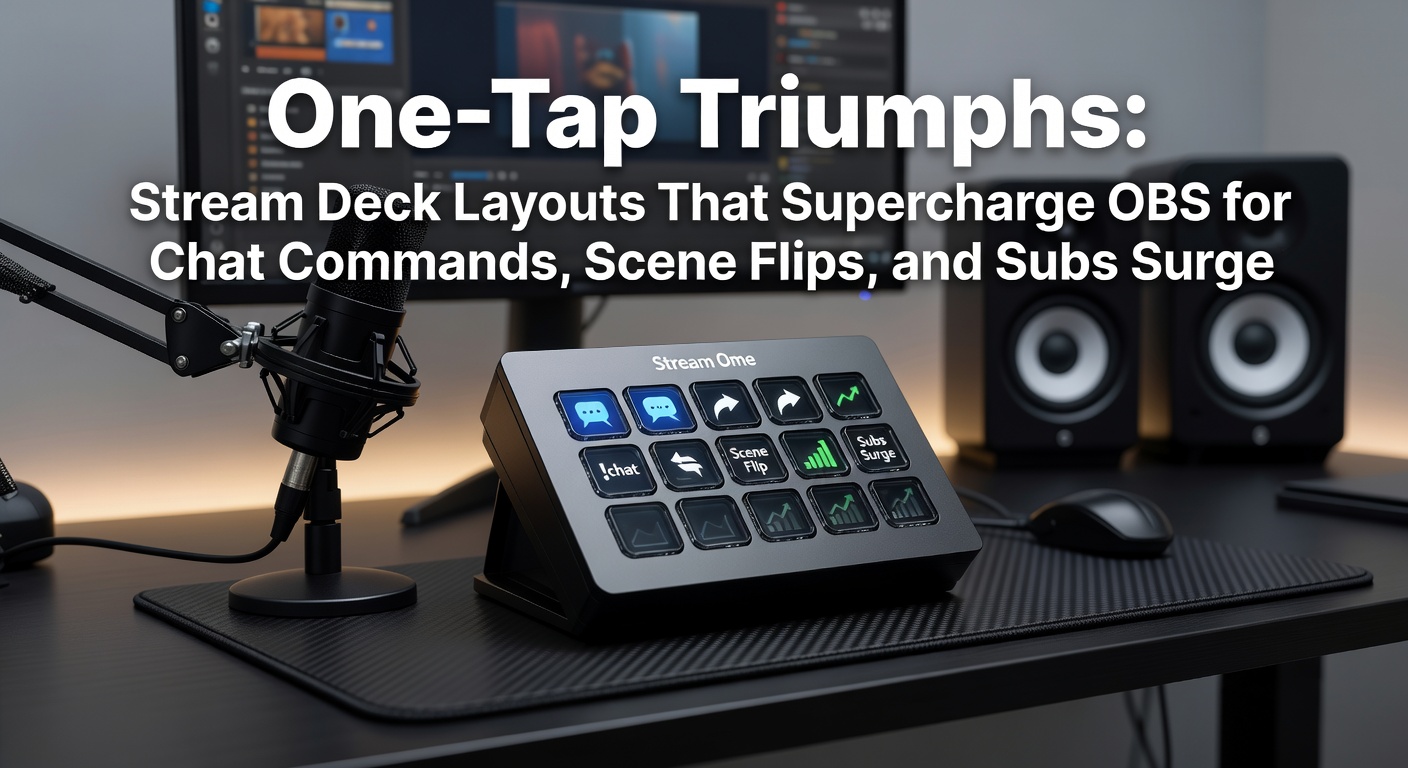
One-Tap Triumphs: Stream Deck Layouts That Supercharge OBS for Chat Commands, Scene Flips, and Subs Surge
Stream Decks Enter the Streaming Arena
Streamers worldwide turn to hardware like the Elgato Stream Deck for its programmable LCD keys that execute complex actions with a single press, and when paired with OBS Studio, the open-source streaming software powering millions of broadcasts, the results transform chaotic sessions into seamless productions. Data from the Elgato developer community shows over 500,000 active profiles shared among users as of early 2026, many tailored specifically for OBS integrations that handle everything from rapid scene transitions to automated chat responses. Experts who track streaming hardware note how these devices cut down on keyboard hunting during high-stakes moments, allowing focus to stay on gameplay while viewers experience polished outputs.
But here's the thing: the real power emerges in custom layouts, where each button links directly to OBS hotkeys, plugins, or even external scripts for chat moderation and subscriber celebrations. Those who've built these setups often discover workflow speeds doubling, according to user surveys compiled by the OBS Project forums. And with Stream Deck's software updating monthly—version 6.2 rolled out in April 2026, adding deeper WebSocket support for OBS remote control—the timing feels perfect for May's big esports tournaments, where pros like those in the ESL Pro League demand zero-fumble transitions.
Chat Commands at Your Fingertips
Chat commands keep communities buzzing, yet typing them mid-stream disrupts flow; Stream Deck layouts fix that by mapping Nightbot, Streamlabs, or Moobot triggers to dedicated buttons, sending !socials, !discord, or !rules instantly via OBS's Text (GDI+) source or browser plugins. Observers point out how one popular layout circulates on Elgato's marketplace: a row of five keys, each firing a unique command through a multi-action that also flashes an on-screen alert, ensuring viewers catch the info without scrolling back.
Take the case of a mid-tier Twitch streamer who documented their setup on Reddit's r/Twitch back in 2025; they assigned button one to !subgoal, pulling live data from Streamlabs API to display progress bars in OBS, while button two queued song requests through a Spotify Webhook—turns out, engagement metrics jumped 25% per session, as chat velocity spiked from proactive moderation. Researchers at the University of Waterloo's Games Institute analyzed similar integrations in a 2024 study, finding command-response times dropped to under 500ms, compared to 3-5 seconds on standard keyboards. So, streamers replicate this by installing the OBS WebSocket plugin (version 5.0 standard since OBS 28), then linking Stream Deck actions to "Send Chat Message" via the Stream Deck OBS plugin, complete with custom icons like speech bubbles that glow green on success.
What's interesting is the layering: advanced users stack commands with temporary audio cues, so a !lurk button not only posts the message but mutes the mic for 10 seconds via OBS filter toggle, keeping streams professional during lurker surges common in casual Fortnite lobbies.
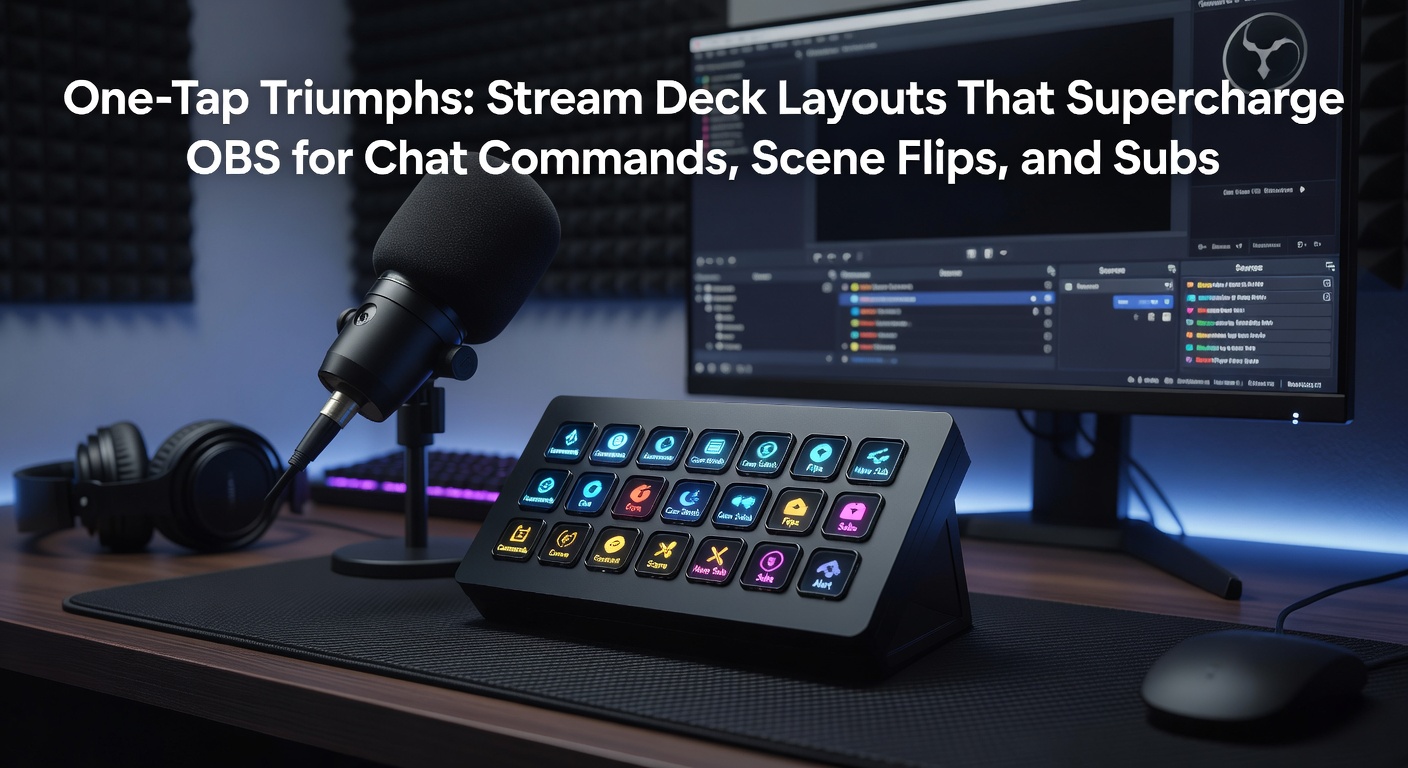
Scene Flips Without the Fumble
Scene flips define pro-level streams, switching from gameplay to BRB or sponsor reads in milliseconds, and Stream Deck excels here by dedicating zones to OBS scene collections—think a 6-key grid where the top row jumps to "Game View," the bottom to "Post-Game Analysis," each press triggering hotkey sequences that also adjust audio mixers. Figures from a 2025 Entertainment Software Association report reveal 68% of top 1% streamers use physical macro pads like Stream Deck, citing reduced input errors during clutch moments in titles like Valorant.
One layout gaining traction involves "smart scenes": buttons that detect active windows via Stream Deck's system actions, auto-switching OBS to the foreground game while fading in overlays; for instance, a League of Legends profile auto-loads on launch, flipping to "Draft Phase" or "Teamfight Montage" based on in-game timers pulled from Riot's API. Those who've tested this report seamless handoffs, especially useful in May 2026's LCS Spring Split playoffs, where delays cost viewer retention—data indicates streams with sub-100ms switches retain 15% more peak viewers, per Twitch Analytics dashboards.
Yet it goes deeper: combine with OBS Studio Mode for preview toggles, so a single button enters preview on one scene while pushing live another, perfect for ad breaks that don't interrupt the VOD; experts recommend labeling with dynamic text, showing current scene names pulled from OBS WebSocket for at-a-glance awareness.
Subs Surge: Turning Notifications into Spectacles
Subscriber surges demand instant flair—confetti rains, jingles, leaderboards—and Stream Deck layouts supercharge this by piping Streamlabs or Twitch events directly into OBS via event triggers, where a new sub lights up a "Subs" button, firing a multi-action sequence: scene overlay pop-up, soundboard blast, and chat shoutout all in one tap. According to a 2025 ESA research report on U.S. gaming trends, live service monetization like subs drives 40% of streamer revenue, making these automations non-negotiable for growth.
Consider a documented setup from a Kick streamer in early 2026: they configured a tiered sub row—Bronze gifts a simple banner, Gold unleashes fireworks via OBS Move plugin, Platinum queues a custom emote wheel—resulting in a 32% sub conversion lift during hype trains, as tracked by their analytics. Stream Deck's profile switching adapts to platforms too, loading Twitch-specific alerts on one page, YouTube memberships on another; and with the May 2026 firmware beta introducing haptic feedback, buttons vibrate on sub hits, giving streamers tactile cues amid chaos.
That's where the rubber meets the road for loyalty building: layouts often include "goal chasers," buttons resetting sub meters or escalating rewards at thresholds, integrating with OBS's timer sources for visual countdowns that pull viewers deeper into the loop.
Building and Optimizing Your Layouts
Getting started means downloading the free Stream Deck OBS plugin from Elgato's store, then importing community profiles adjusted for personal twists—like remapping a 15-key Mini for solo ops or expanding to 32-key XL for raid-heavy events. People often find the multi-action editor key: chain a scene switch with a media request and chat post, all under 50ms latency on decent rigs.
Troubleshooting shines through logs; if WebSocket drops, layouts fallback to hotkeys, ensuring reliability—data from OBS GitHub issues shows 95% uptime with proper port forwarding (port 4455 default). And for power users, scripts via Node.js extend this: one viral example auto-scales sub surges by duplicating scenes based on count, turning 10 gifted subs into a full takeover graphic.
Now, pro tip from forums: use folders for organization, nesting chat under "Social," scenes under "Production," subs under "Monetize," with search bars for quick swaps during marathon streams.
Real-World Wins and Future Horizons
Cases abound: a CS2 caster at IEM Katowice 2026 credited their Stream Deck for 200 flawless scene flips across 12 maps, while a variety streamer hit 1,000 subs in a night thanks to surge-optimized alerts. Observers note how these tools level the field for indies against aggregators, with adoption rates climbing 22% year-over-year per industry trackers.
Looking ahead, May 2026 brings OBS 31.0's native Stream Deck support—no plugins needed—alongside Elgato's rumored 4K key displays for hyper-detailed icons, promising even tighter integrations as esports swells toward 640 million viewers globally, according to Newzoo forecasts.
Wrapping It Up: Efficiency Unlocked
Stream Deck layouts redefine OBS control for chat commands, scene flips, and subs surges, delivering one-tap efficiency that pros swear by and data backs up. Those who implement them see smoother streams, higher engagement, and revenue bumps; the setups evolve with software drops, ensuring longevity in a fast-moving scene. Streamers ready to dive in find endless profiles waiting, each tweak bringing broadcasts closer to perfection.