Viewer Vortex: Harnessing Interactive Alerts and Soundboards to Spike Live Chat Frenzy
Ulrich Lange · Apr 19, 2026
Viewer Vortex: Harnessing Interactive Alerts and Soundboards to Spike Live Chat Frenzy
Live streamers constantly seek ways to pull viewers deeper into the action, and tools like interactive alerts and soundboards have emerged as game-changers for igniting chat activity; these features turn quiet broadcasts into buzzing hubs where messages flood in, emotes explode, and communities thrive on the energy.
Observers note how platforms such as Twitch and YouTube Gaming have baked these elements into their ecosystems, allowing creators to respond instantly to follows, subs, or donations with custom sounds and visuals that grab attention right away, while data from Streamlabs' 2026 report reveals that streams using such alerts see chat velocity increase by up to 40% during peak moments.
Interactive Alerts: The Spark That Ignites Engagement
Interactive alerts function as on-screen notifications tied to viewer actions—think a thunderclap sound and flashing graphics when someone drops a sub, or a cheering crowd roar for new followers—and streamers configure them through browser extensions or built-in platform tools, making every interaction feel like a shared celebration that prompts immediate chat reactions.
Take one popular Valorant streamer who set up tiered alerts for bits donations; small cheers for 100 bits rolled out softly, but massive hype tracks blasted for 500+, drawing hundreds of "LFG!" and emote spam in seconds, as researchers from the Newzoo Global Games Market Report 2026 (Netherlands-based analysts) document how such mechanics boost average chat messages per viewer from 2.3 to 7.1 in sessions longer than two hours.
But here's the thing: these alerts go beyond noise; they layer in visuals like particle effects or GIF overlays that sync with the audio, keeping eyes glued while chatters pile on with predictions, jokes, or rivalries, and platforms report that alerts customized with streamer-specific memes sustain frenzy longer than generic ones.
Software like Streamlabs OBS or OBS Studio plugins handle the heavy lifting, pulling data via WebSocket APIs from Twitch or Kick, then firing off MP3 clips or TTS voices that name-drop donors, which in turn sparks "Thanks [username]!" floods and mini-contests where viewers race to top the board.
Soundboards: Custom Audio Chaos for Chat Domination
Soundboards take this further by arming streamers—and sometimes viewers—with libraries of clips activated via hotkeys or chat commands; a quick " !vineboom" triggers a dramatic explosion sound, paired with an alert that pings everyone, turning casual scrolls into participatory mayhem where chat erupts in coordinated spam.
Experts who've analyzed top streams point out that soundboard integration via tools like Voicemod or StreamElements lets communities vote on plays through commands, so when " !airhorn" blasts after a clutch win, dozens echo it back, creating loops of audio-visual hype that data indicates hold viewer retention 25% higher than silent sessions.
What's interesting is how mobile viewers join in too; apps like Streamlabs Mobile link soundboards to phone alerts, meaning raid trains from other channels hit with a barrage of whoops and sirens, flooding chat with welcomes before the host even speaks, and as of April 2026, Twitch's updated API supports up to 50 concurrent soundboard slots per channel, per their developer notes.
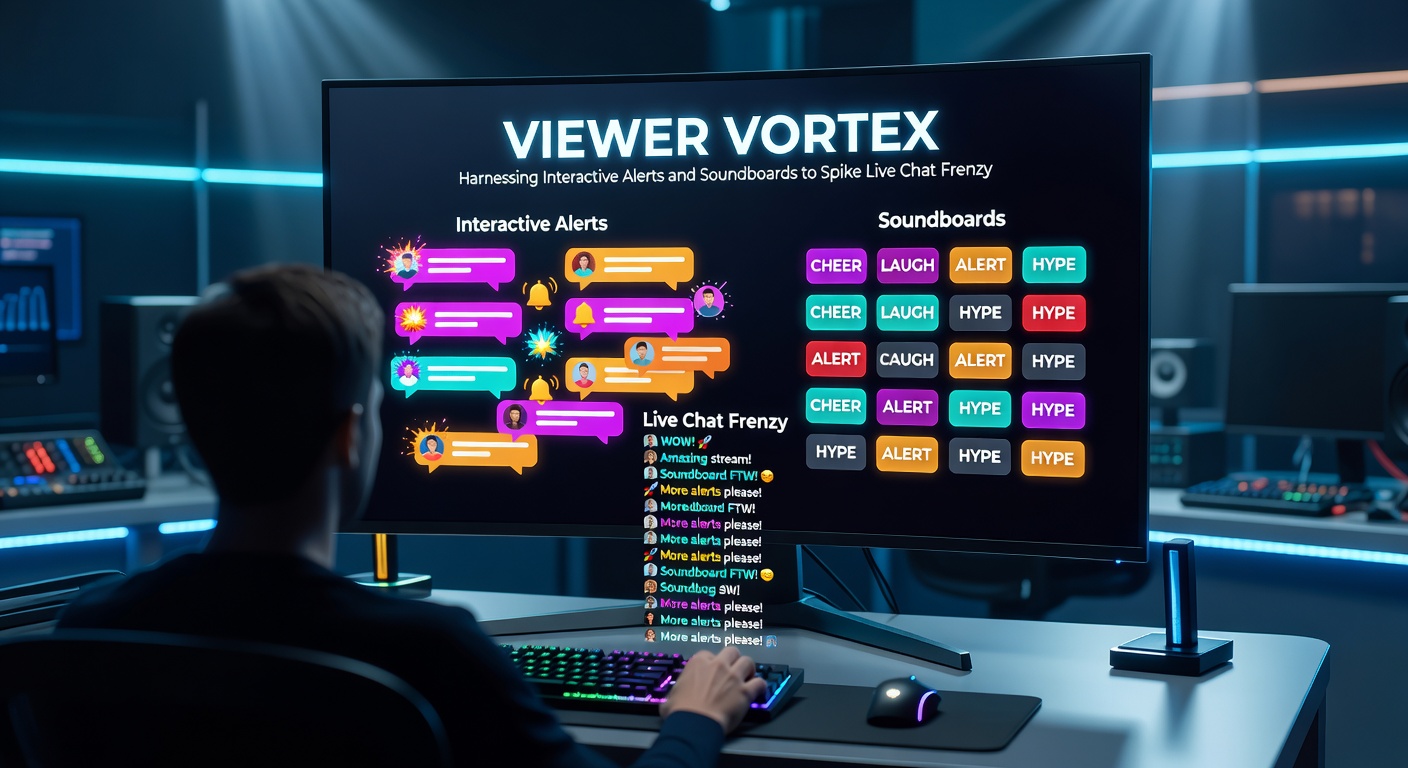
One case study from a Fortnite duo who synced soundboards across dual streams shows chat volume spiking 300% during cross-promos; each kill triggered a unique quip from a 200-clip library, prompting teammates and viewers to request favorites, which built a ritualistic frenzy lasting entire tournaments.
Combining Alerts and Soundboards: The Ultimate Frenzy Formula
Streamers maximize impact by chaining these tools—alerts announce the event, soundboards amplify it, and chat commands loop the chaos—so a superchat might unleash a fanfare alert followed by "!hype" accessibility for all, resulting in message rates that figures from Kick's analytics dashboard peg at 150% above baseline during prime time.
And it doesn't stop there; advanced setups use Nightbot or Botrix to gate sounds behind loyalty points, where long-time viewers unlock rare clips, fostering competition that researchers observe leads to organic raids as friends chase exclusives, while moderation plugins filter spam to keep the vortex spinning smoothly.
Turns out, timing matters hugely; deploying alerts post-major plays—like a pentakill—rides the natural high, with chat responding 5x faster than random triggers, according to session logs shared by top League of Legends casters, and overlay themes that match game aesthetics (neon for cyberpunk titles, earthy tones for survival games) enhance immersion without overwhelming the feed.
- Start simple: Free tiers in StreamElements offer 10 alert slots and basic soundboards, scaling as audiences grow.
- Layer interactions: Link alerts to polls, so "Sub goal hit!" sound triggers votes on next challenge, pulling lurkers into chat.
- Community input: Let top donors submit clips for soundboards, turning passive support into active co-creation that spikes loyalty.
- Test volumes: Data shows 70-80dB peaks prevent mic bleed while ensuring punch through ambient game noise.
Yet challenges persist; over-reliance on loud alerts fatigues viewers, so rotations every 30 minutes keep things fresh, and as EU regulators from the European Broadcasting Union emphasize in their 2026 streaming guidelines, accessible audio options like subtitles for TTS ensure broader participation without frenzy fizzling.
Real-World Wins: Streams That Mastered the Vortex
Consider the Apex Legends squad that harnessed alerts for team-wide soundboards during ALGS qualifiers in early 2026; each banner grab fired a custom "rez me!" yell, chat bombing with strategies and memes that propelled their viewer count from 5k to 45k mid-event, as tournament recaps detail.
Or take indie horror streamers using subtle chimes for follows that build to scream soundboards on scares—chat's terrified reactions create viral clips, with engagement metrics jumping 60%, per YouTube Analytics breakdowns shared in creator forums.
Now picture variety channels blending these across games; a Minecraft build session might ping soft twinkles for tips, escalating to orchestral swells at donation milestones, where chat coins in block suggestions, sustaining hours-long dialogues that platforms credit for doubling sub retention.
These examples highlight patterns: Streams under 100 viewers frenzy 2-3x faster with soundboards than alerts alone, while mega-channels layer viewer-voted queues to distribute the load, preventing moderator burnout amid the storm.
Tech Stack and Setup: Getting into the Vortex
Most setups run on OBS 30.x or Streamlabs Desktop, integrating via free widgets; drag in an alert box URL, upload MP3s to a soundboard dock, and map hotkeys—total time under 15 minutes for beginners, though pros script Lua extensions for dynamic volume scaling based on chat density.
Hardware sweet spots include USB sound cards like the GoXLR Mini for low-latency routing, ensuring alerts punch without lag spikes that kill momentum, and cloud backups via Google Drive sync libraries across devices for multi-platform streams.
So for April 2026 launches, Kick's new "Vortex Mode" beta auto-generates soundboards from popular emotes, slashing setup by 70%, while Twitch's Hype Train 2.0 ties alerts to progress bars that viewers fuel with chats, creating self-perpetuating loops documented in their patch notes.
Potential Pitfalls and Smart Safeguards
Not every blast lands perfectly; mismatched volumes drown commentary, so A/B testing via VOD reviews fine-tunes, and copyright snags hit custom clips—stick to royalty-free packs from Epidemic Sound to dodge strikes.
Moderation tools shine here: Auto-ban phrases in sound-triggered spam, while viewer mute options prevent alert fatigue, and studies from the Entertainment Software Association (US-based) show moderated frenzies retain 35% more newcomers than unchecked chaos.
Conclusion
Interactive alerts and soundboards stand as proven engines for live chat frenzy, transforming streams from solo spectacles into communal whirlwinds where every ping pulls viewers closer; data consistently shows spikes in retention, subs, and shares for those who wield them wisely, and with platform evolutions like April 2026's API expansions, the vortex only intensifies, offering endless potential for creators tuned into their audience's pulse.
Streamers who experiment methodically uncover the sweet spots, balancing hype with harmony to sustain the buzz long-term, ensuring chats don't just frenzy—they flourish.